Yep, that guy’s videos taught me just about everything I know about print and play.
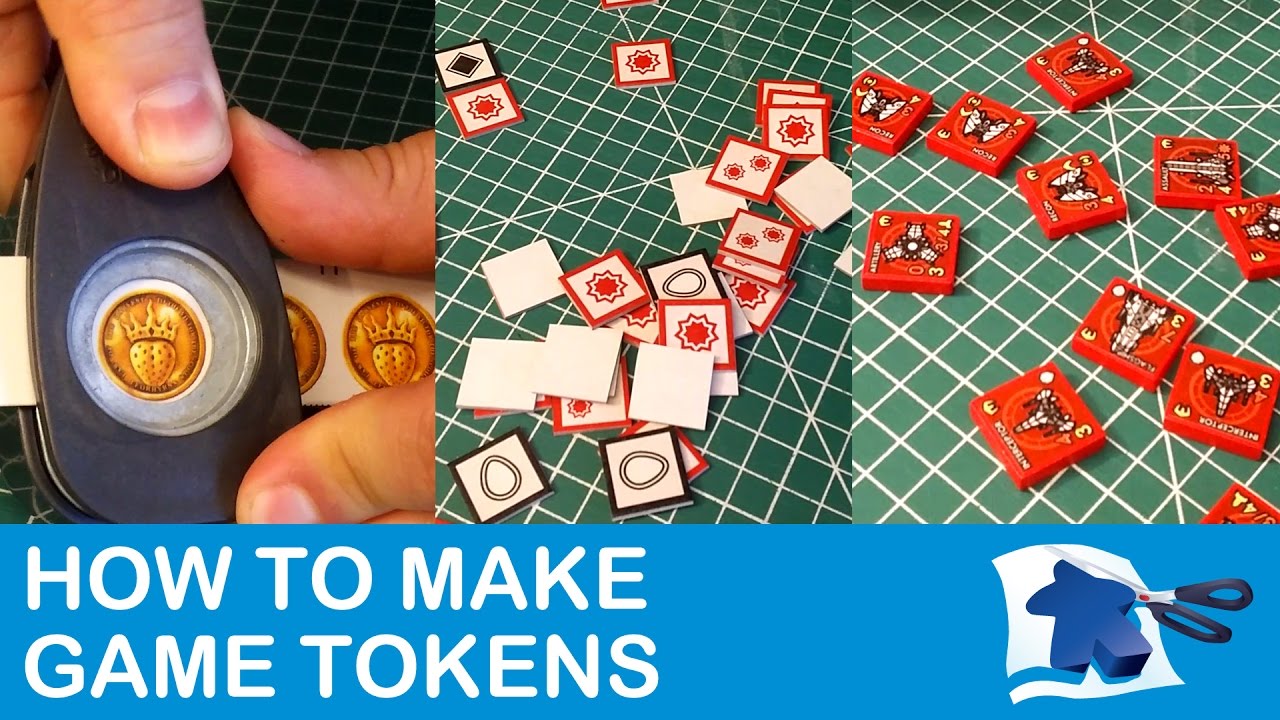
I’ll also amplify the other video of his I had shared, about making tokens:
Yep, that guy’s videos taught me just about everything I know about print and play.
I’ll also amplify the other video of his I had shared, about making tokens:
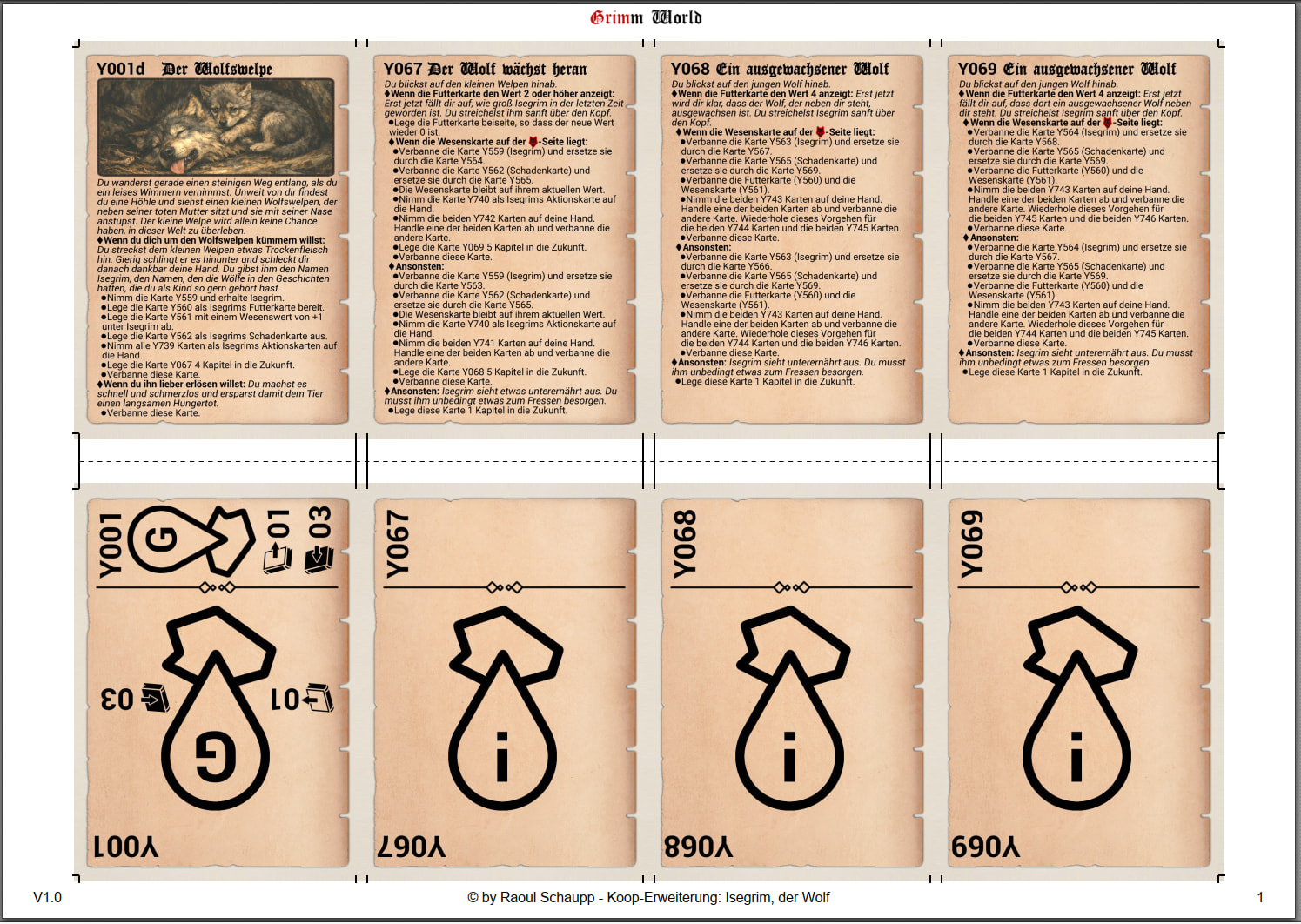
@Genghis-Pawn : this would be the updated gutterfold layout with bleed and wider gap. Would this fit your needs or must something different? I am happy about any kind of feedback.
Yes, sir, that would work! There’s always the last-minute concerns about how it will scale to US Letter size if it’s formatted on A4, but it’s not your responsibility to drag the US kicking and screaming into sensible standards.
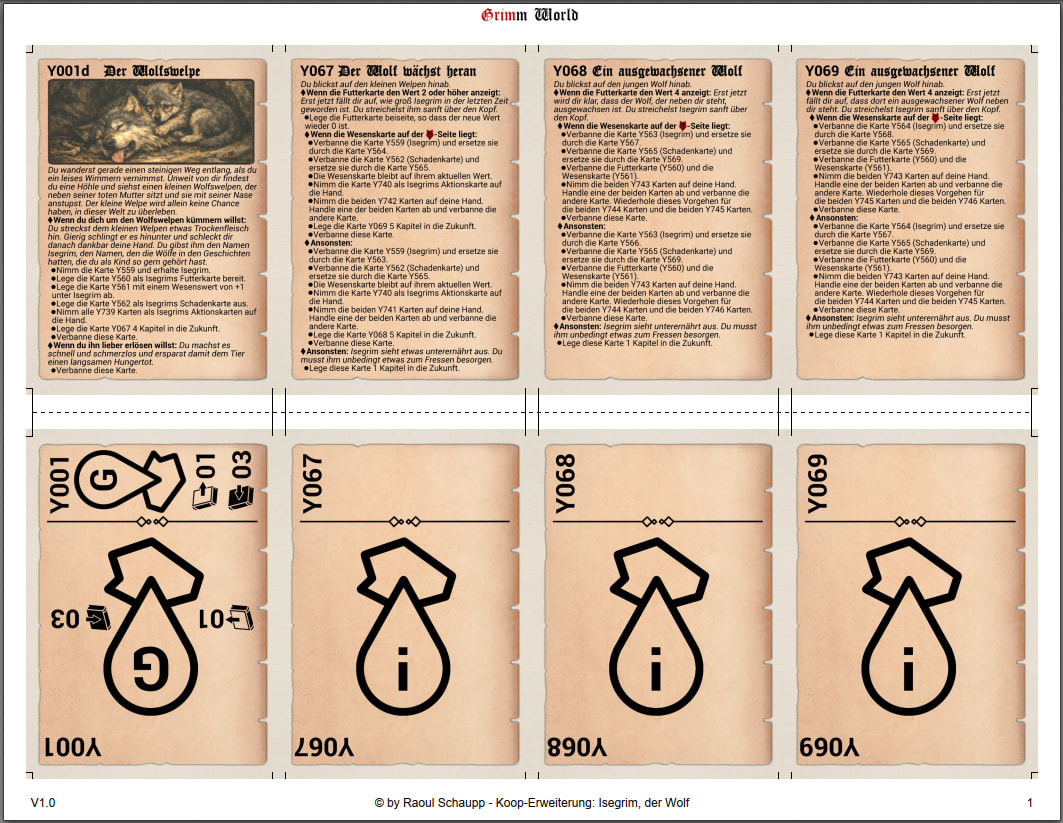
Sorry, this are my test files and they are German. But Letter looks like this and should also be fine. Less space on left and right side, but more on top and bottom.
Thanks for your feedback. I will do some small changes and some more tests and will then upload the “gutterbleed” format also 
Looks great to me! Since playing The Promise I have begun trying to plan in my mind how I might try to make Grimm World. I haven’t yet worked up the courage to plan to make them all myself using gutter folds and all that. But I appreciate you taking away one excuse from me by formatting them in this way.
Like I wrote somewhere else, I personally create all PnP games also with single sided printing, glueing, laminating and cutting, except Grimm World. This is only single sided printing, cutting and sleeving both sides in Premium sleeves. I really can recommend this fallback method to save time.  Only thing I did, even though they’re already in sleeves was round off the corners of the cards. It just looks better that way.
Yes, with 540 cards I fear I must lower my standards a little bit 
Do you just print up sheets of paper and put them in sleeves, without any more stiff card or cardstock? I have always worried that this would feel too flimsy, but perhaps it is the way.
Yes, this is how I did it. I use a bit thicker paper. 160gsm / 108lbs is in my opinion perfect for single sided printing. If you use heavier paper, it will not fit in the sleeves. 120gsm / 81lbs is also still fine.
I use also premium sleeves, which are a bit thicker. I am quite happy how they feels while playing.
And if you use this method, also 9 cards per page (without bleed) is possible to print and this saves paper and ink
I use the thinnest paper that prints well. Then insert an old Pokemon or playing card between the front and back in the sleeve. Makes it feel just like a thick, sleeved card. This might be too much for a PnP project but when your editing and changing cards constantly its the perfect solution
I do have a large box of old cards I could use in that fashion, but then I need to print both sides independently – double the paper and double the cutting. If I’m not going to put in maximal effort to craft cards, I want to go minimal 
I am leaning towards the idea of printing all the cards double-sided on white cardstock (~$6 and I’ll have leftover sheets) using the 9-up files, and then putting them in “perfect fit” inner sleeves (~$9 and I’ll have leftover sleeves, not that I want them). I’ll be burning through ink I’ve already paid for and using a printer I’m trying to decommission anyway. They won’t come out as thick and nice as I’d like them to be, but the price is right.
In the spirit of this thread, here are some not-specific-to-me considerations:
I have resorted to just using scissors when doing a minimal card print. This makes the double printing (front and back) cutting a breeze. I only do this if I am putting the front and back into a card sleeve. I also skip using corner rounding.
I meant to share this series of printer as a suggestion for the thread. This is the kind of printer I am now using which belongs to my roommate and which I definitely plan to invest in for my next personal printer. It just has tanks and you fill them with ink from a bottle. No more bullshit from ink carts constantly failing and being flagged as empty even when they are full, having to buy a chip resetting tool, etc.
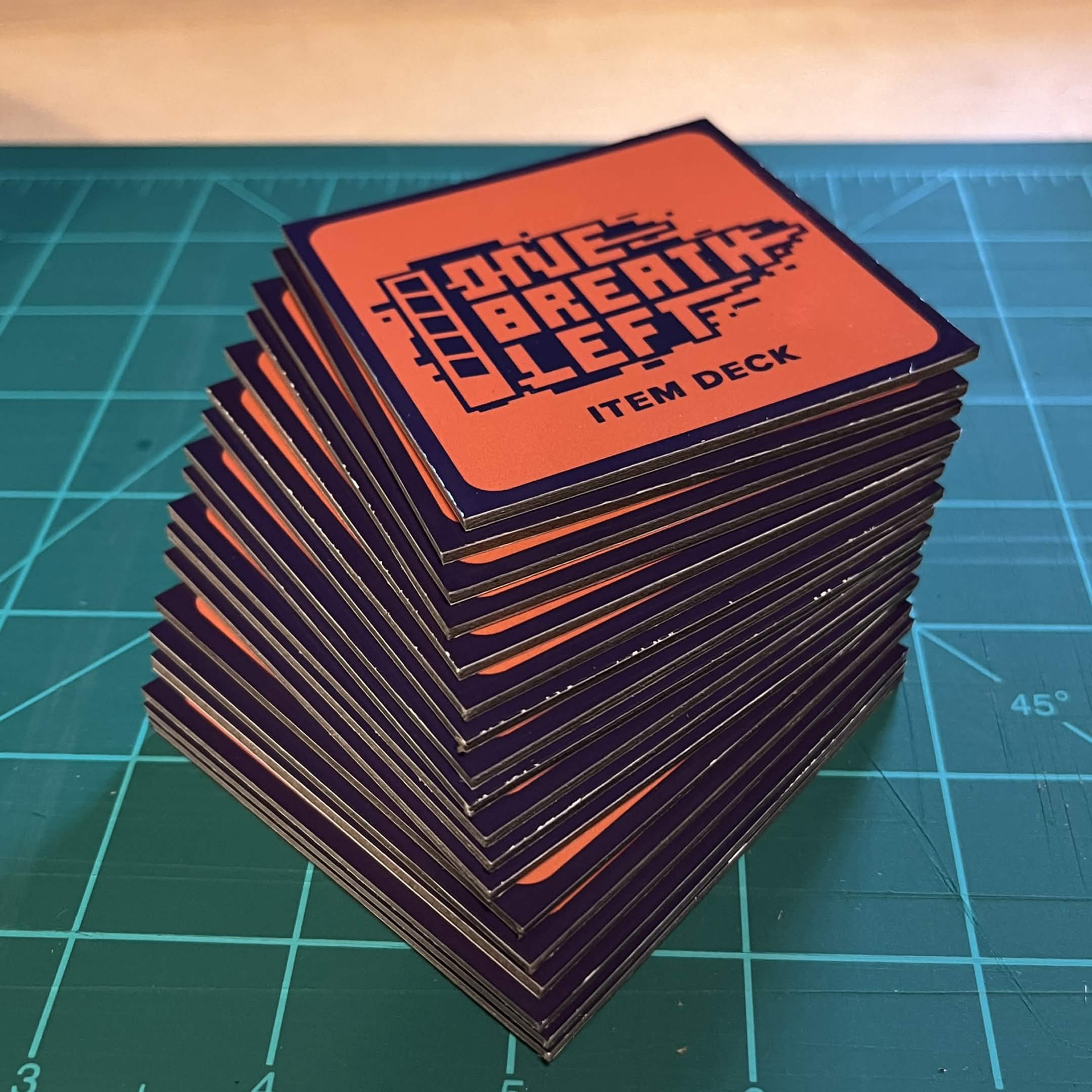
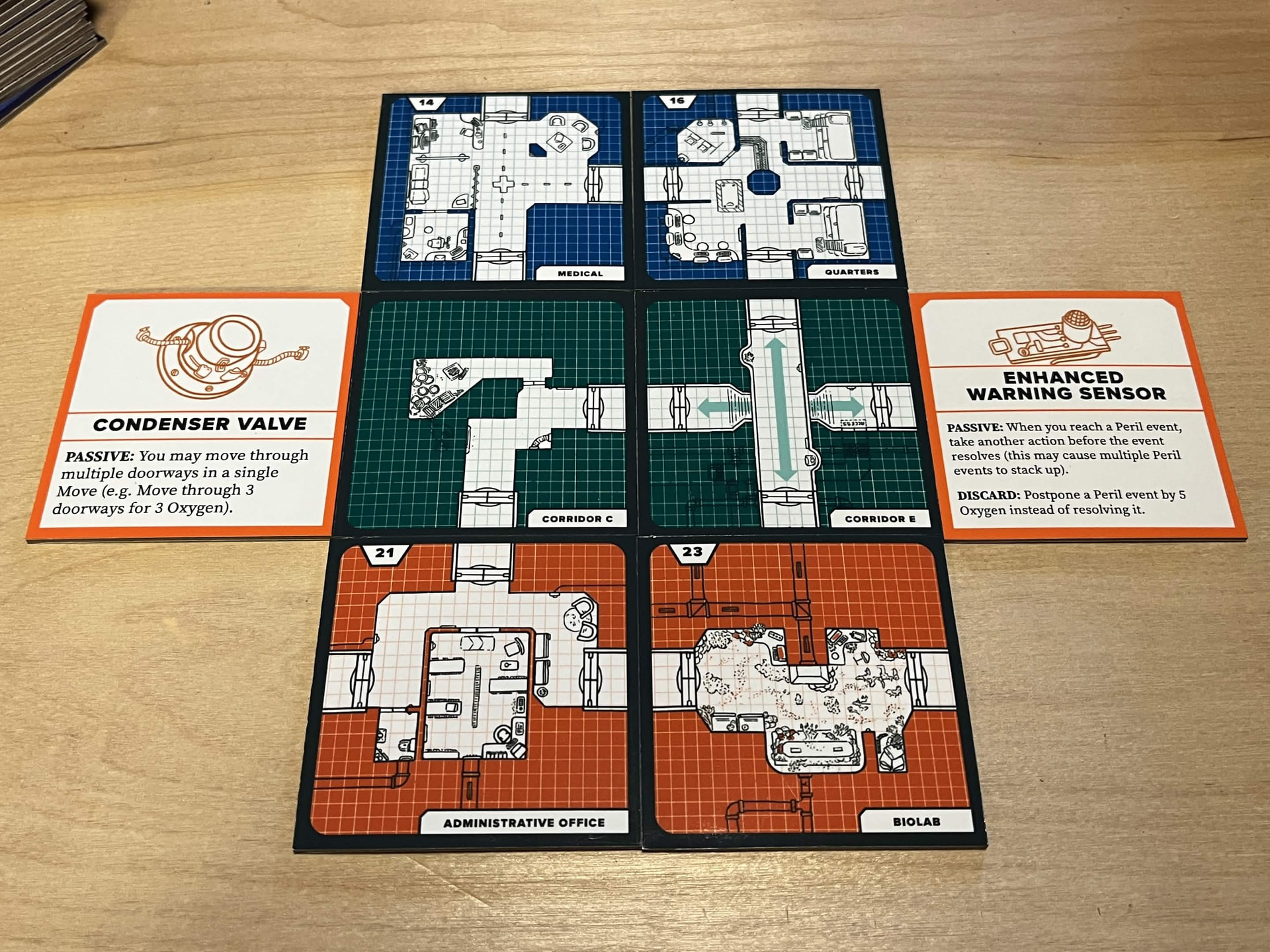
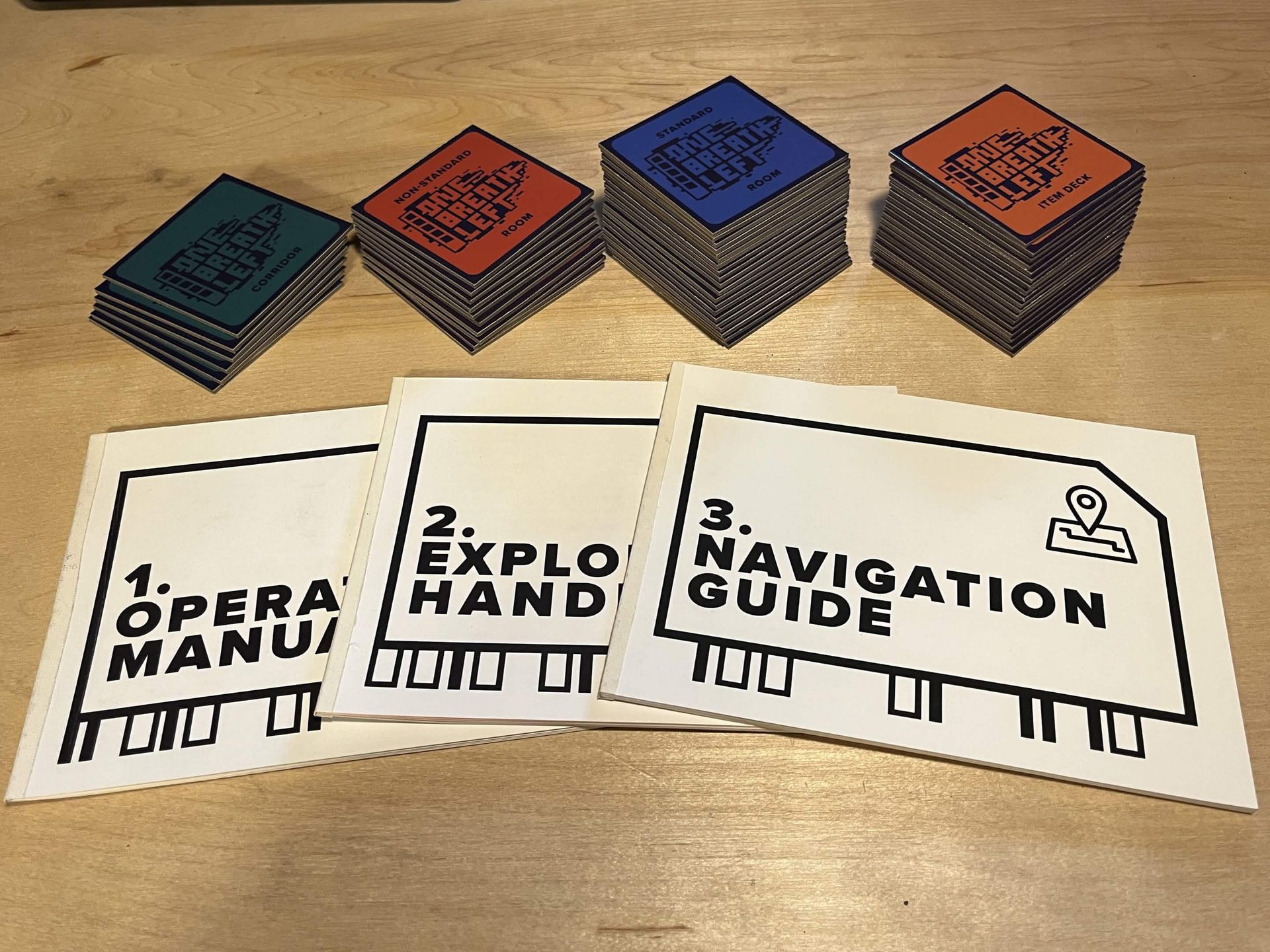
I completed this set of tiles for One Breath Left.
I am still using thin photo paper, something I plan to stop soon as it is not intended to be handled, but this time I glued it to some very heavy chipboard.
I also tried using a foam brush to apply the PVA this time rather than a foam roller because the roller soaks up a tone of excess glue and also creates a lot of air bubbles. I wanted to try this in an attempt to be less wasteful. It worked out well.
The aesthetic turned out very nice.
I picked up a refurbished model in this line from the manufacturer a couple months back for a very reasonable price – that’s the printer I want to start using once I’ve spent all the remaining ink I have for my old one. Daniel had also recommended an ecotank in a video about printing up zines. For anyone thikning about working with chunkier cardstock, note that some ecotanks offer rear feeds and some some do not.
I haven’t had any issues running my 199gsm/110lb cardstock through the EcoTank with the paper cartridge. (Bottom Tray)
The only time I had issues with cardstock jamming was when I tried to do automatic double sided printing, something I don’t do at all anymore.
This guy makes some really useful PnP stuff for games. He is also really good to work with.
I decided to invest in his PnP paper miniatures template set and in the process I made several suggestions for improvements, all of which he implemented immediately.
So with this set you just upload whatever photos of minis you want and it will automatically size them. Want the newest GW minis? Just go to their store and copy the images.
I suggested he add the ability to upload individual facings so you can tell where the front, back, left and right are facing and he did.
I’ve been away from the forum for a while but tonight I decided to do another DIY PnP paperback. This is for Grimscar which I just learned about from binge watching DD videos on solo RPGs. I’m about to take a road trip alone and thought I might bring one game with me and this just felt like a good fit.
Anyway, I tried some new things and made some new mistakes.
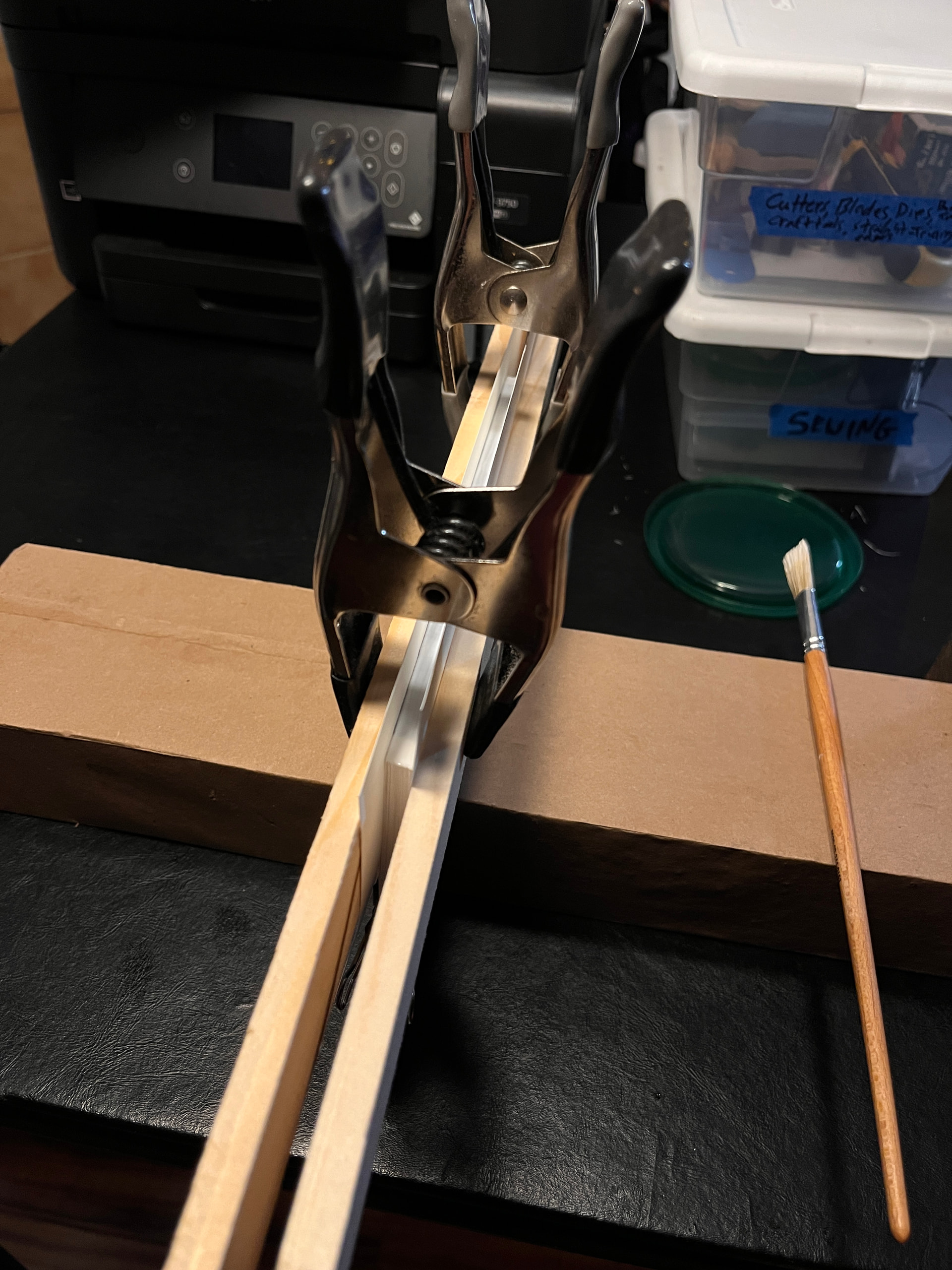
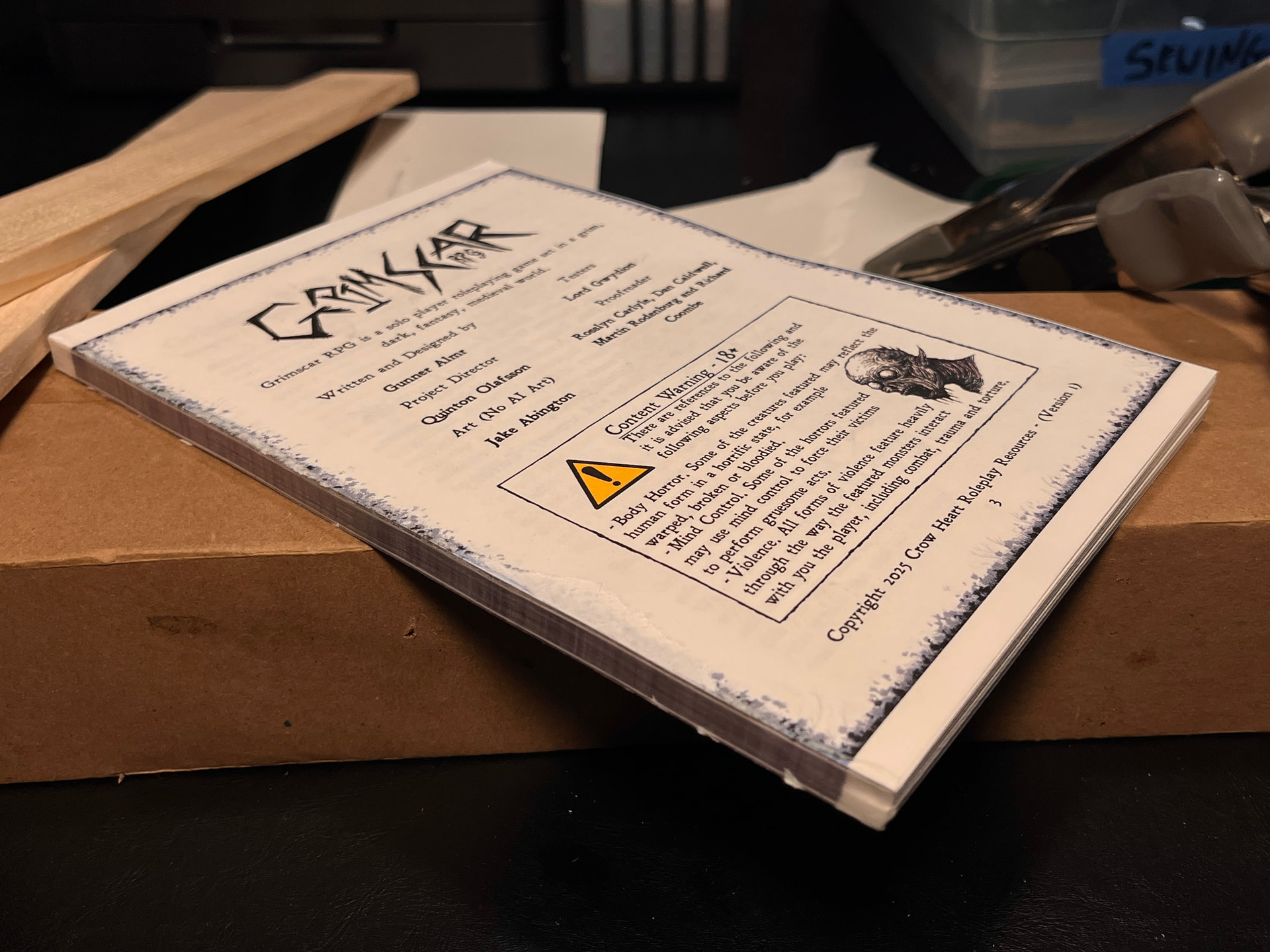
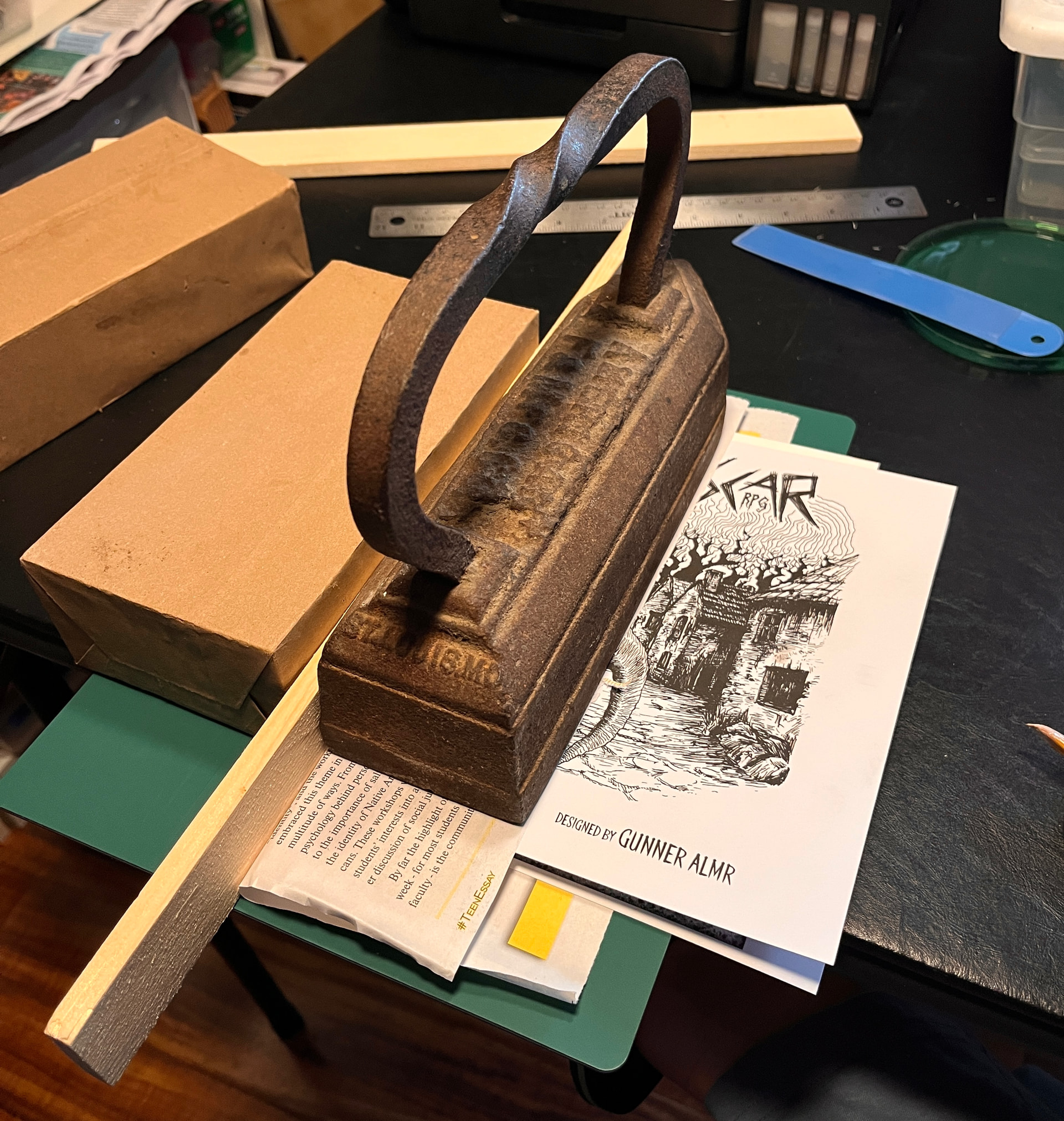
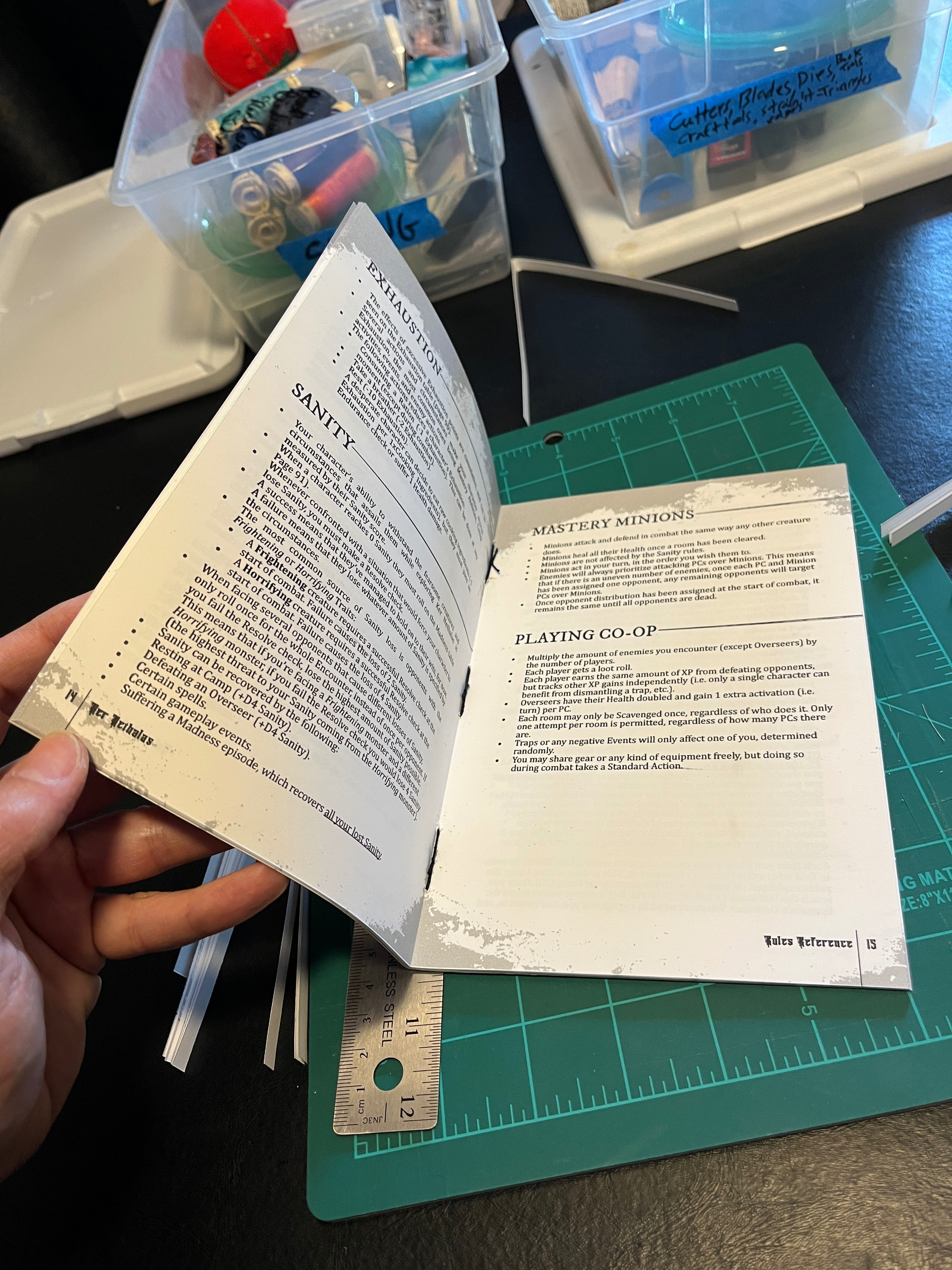
Still a WIP, gluing the spine of the body right now. It turned out a bit uneven.
Oh, I guess that’s something I could share; Just as I was finishing printing out the 130 page rulebook I thought of an idea. If I set the printer for “binding on the right” instead of on the left, it SHOULD print in a way that the spine will always be against the true edge of the paper. This way when I cut the double sheets in half I will be creating the outside edge, which will need to be trimmed again later anyway, and I won’t end up with this uneven spine again.
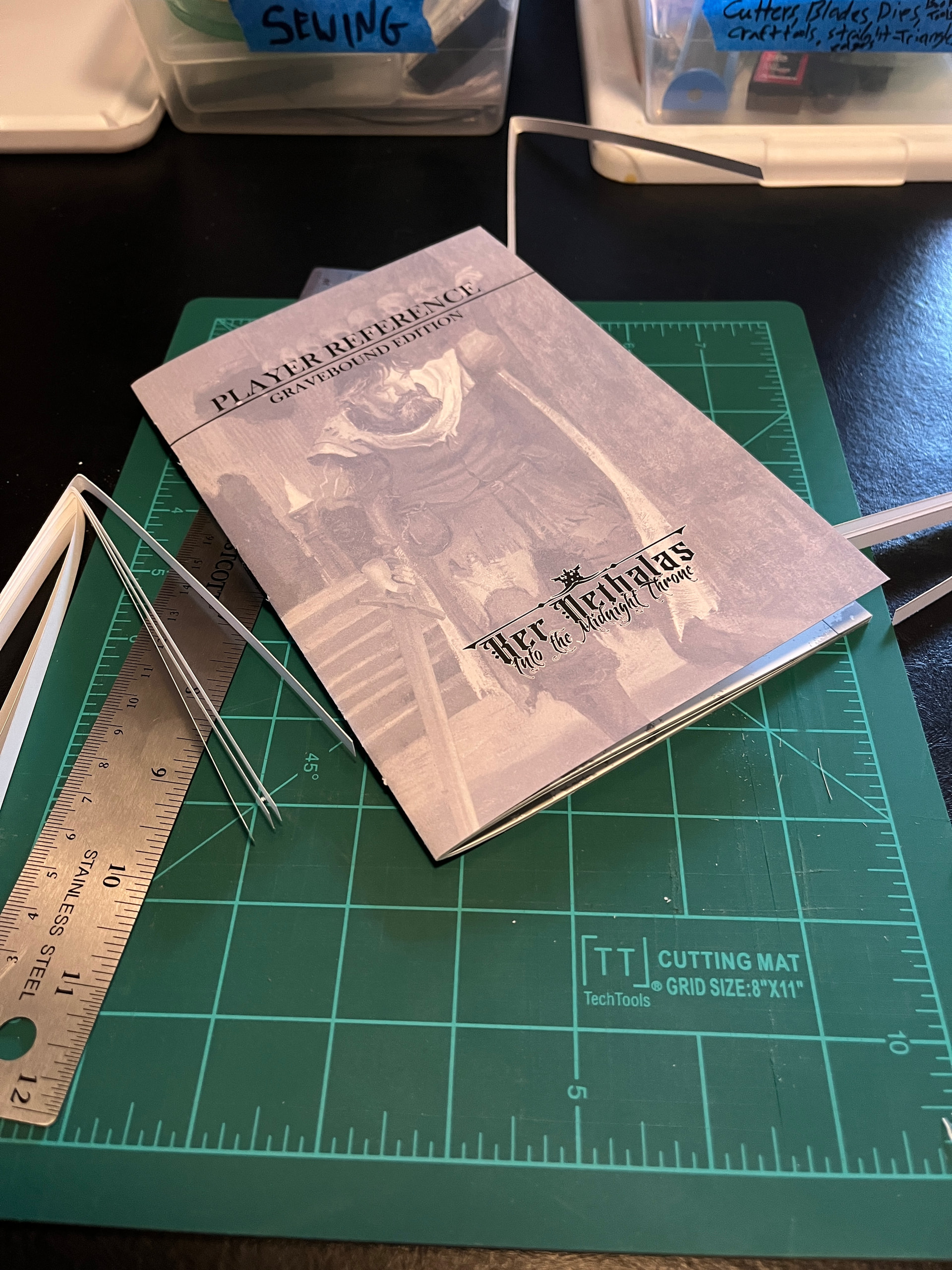
That probably doesn’t make sense without visual references so my apologies. Maybe I will better document the next one. This was all super last minute and kind of rushed.
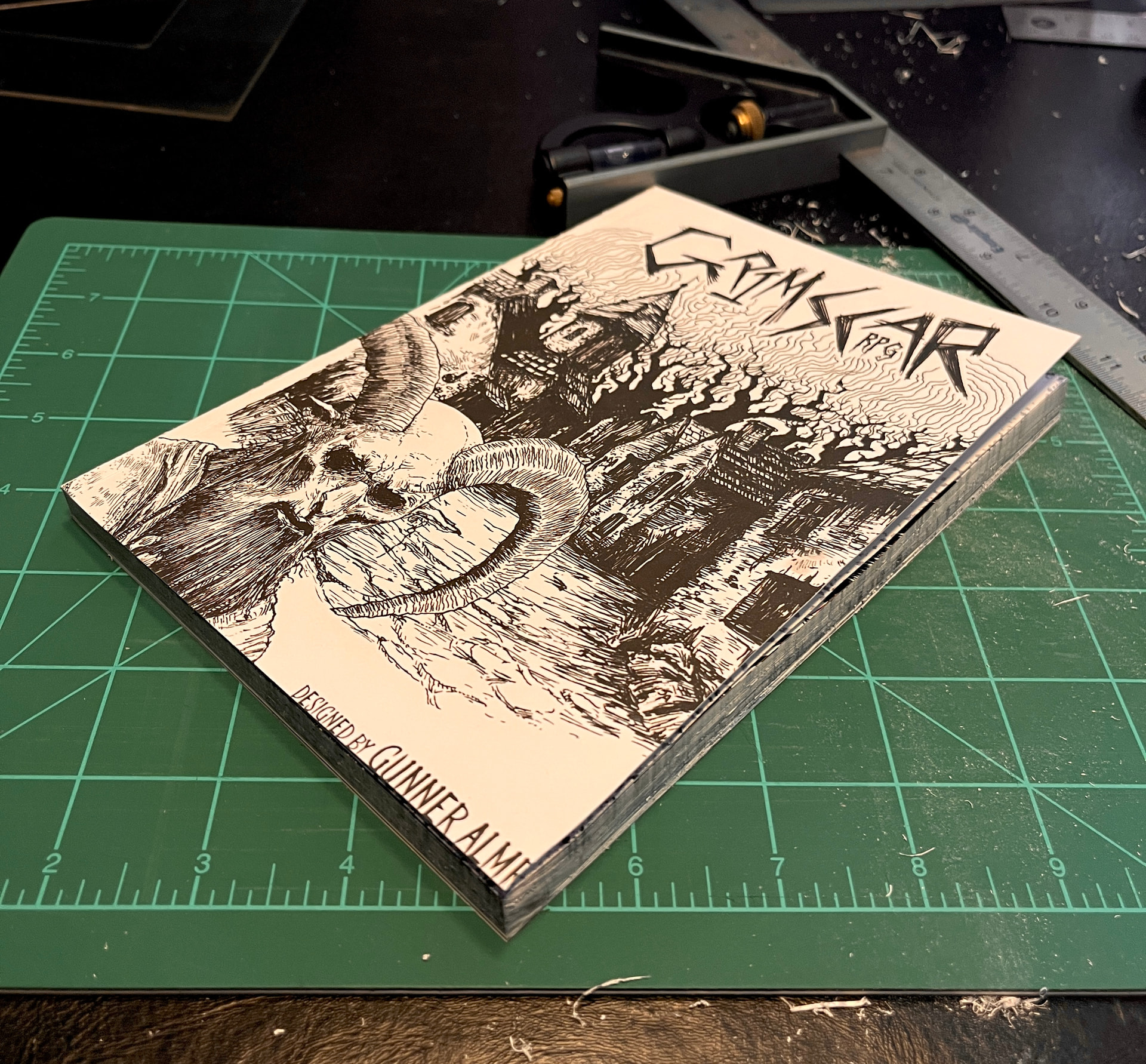
The body of the book. A little rough.
My book cover turned out quite a bit larger than my body so I am off setting it so I don’t end up having to crop out anything vital. There is some text on the back cover at the top so I am favoring that side, the head.
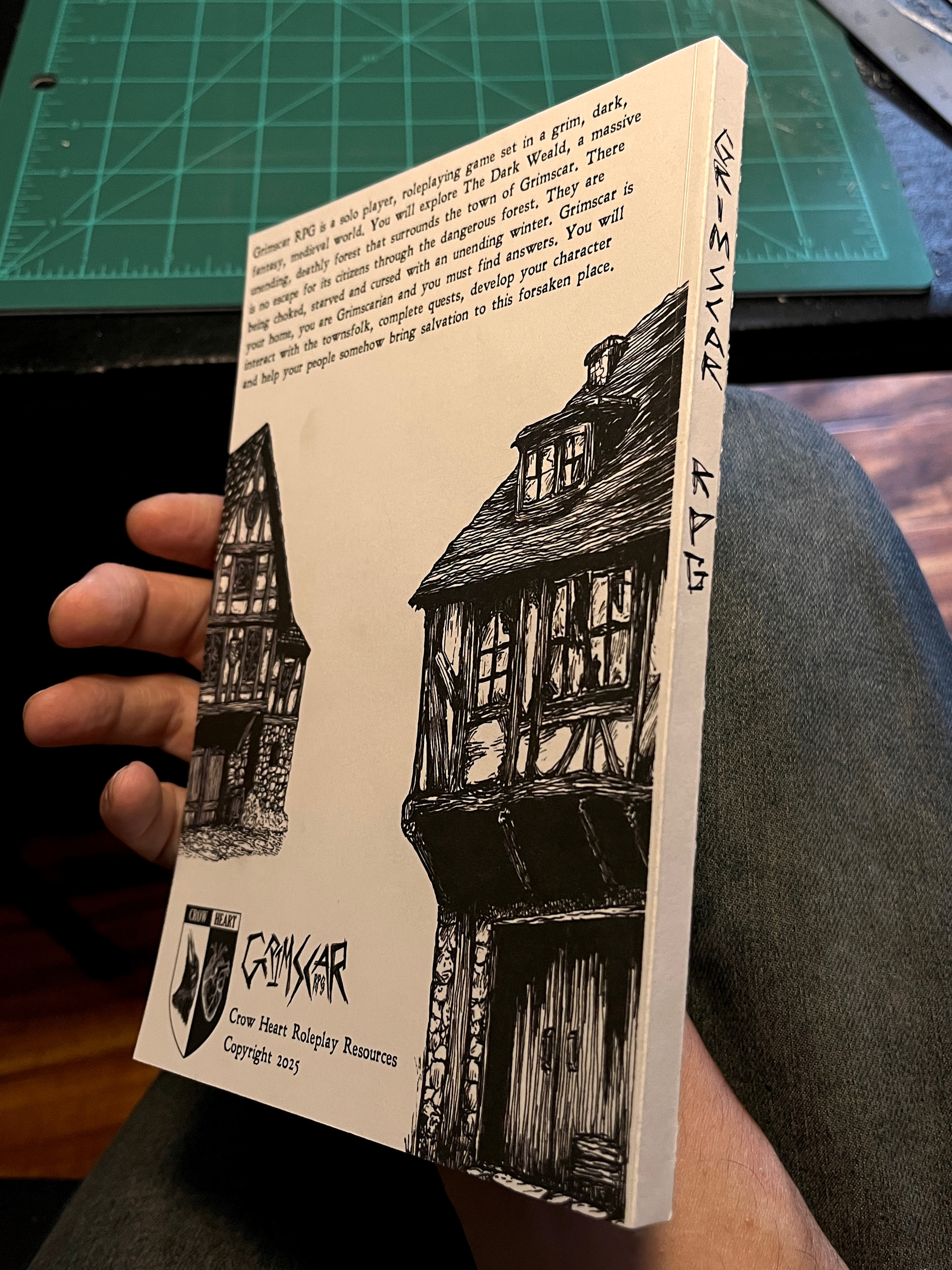
Alright, it’s done. It is mostly good, very functional, feels nice, great binding. But I was very impatient with the trimming and it’s not perfectly square or smooth. I should have reprinted the cover smaller too, I had to trim off part of the authors name. But it’s great for what it is.
AND, now that I am completely finished I remember that I wanted to invest in Legal sized paper for these double page paperback books. They are almost always formatted for A4 paper and if I just print the whole thing on over-sized legal paper, I won’t have to worry about slightly shrinking and troubleshooting the ‘borderless’ print option on the printer. Everything can be printed at 100% with borders on all sides.
Next time.. next time.
Didn’t even play Grimscar before this one came onto my radar. Thanks? Daniel!
I decided to order a professionally printed copy of the main book for this one as it was much more cost effective. It arrives tomorrow.
These all look soo good! Very well done.
Thanks for looking! I really like crafting a lot.
There’s nothing like printing and binding your own copy of a game and then cracking it open and playing it. It’s kind of profound.
I know you love rules books as well, this takes it to new heights for me.